Getting started
This guide walks through logging in for the first time and the typical workflow you follow to serve packages to your hosts. It assumes the CIQ ELM server is already running - see Installation if not.
Signing in
Open the web application in your browser (by default http://<elm-server>:8080).
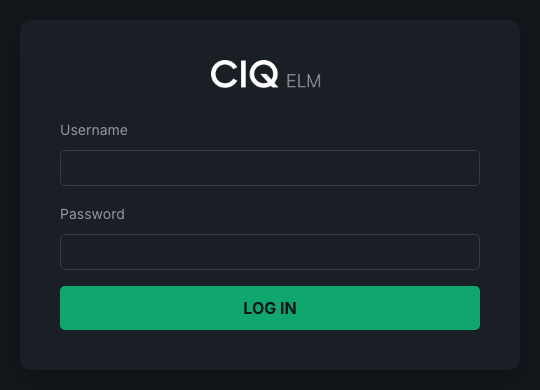
- On a fresh installation, sign in as the built-in administrator account
admin. The initial password is theADMIN_PASSWORDvalue in/etc/elm-server.conf. If it was blank oradminwhen the RPM was installed, the installer replaced it with a random value. - If your organization has configured LDAP or SAML, you can sign in with your directory credentials. See Authentication.
Change the admin password immediately after first login.
The dashboard
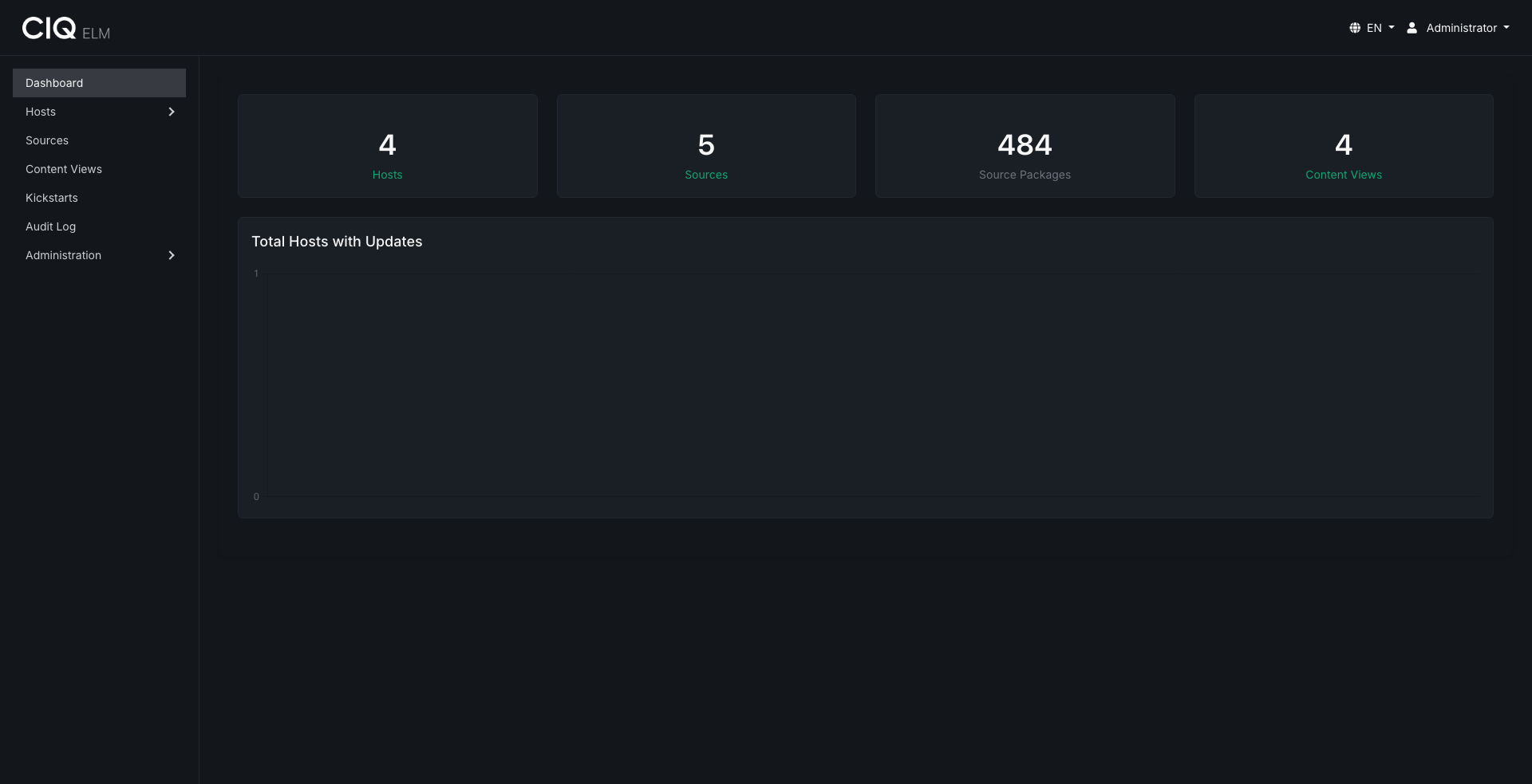
After signing in you land on the dashboard. Use the top navigation to move between the major feature areas.
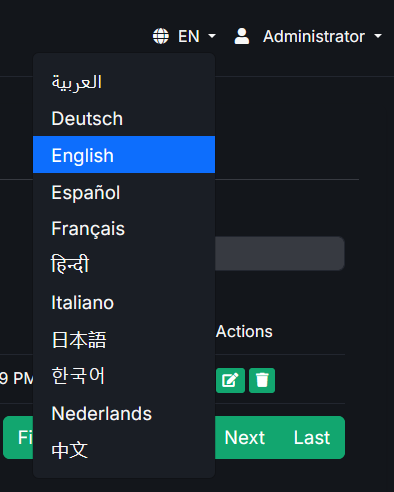
The interface is available in 11 languages. Use the language selector in the top navigation to switch; your choice is remembered per user.
Typical workflow
A common end-to-end flow looks like this:
- Create a source. Mirror an upstream repository - a remote URL, an rsync mirror, an uploaded ISO, or a CIQ Depot product - so its packages are available locally. See Sources.
- Create a content view. Compose a curated repository from that source, optionally pinning or excluding specific packages and adding your own custom RPMs. See Content views.
- Publish and version. Composing a content view produces a browsable, versioned repository served at
/repos/<uuid>/. Each compose creates a snapshot you can roll back to. - Register hosts. Hosts appear automatically once the agent checks in, or you can pre-create them and organize them into host groups. See Hosts and groups.
- Assign content. Assign one or more content views, and optionally a kickstart, to host groups so machines receive the right repositories.
- Provision or maintain. Use provisioning to install new machines over the network, or let the agent keep existing hosts pointed at the correct repositories and report their installed packages.
Where to next
- New to the concepts? Start with Sources and work down the admin guides.
- Setting up automated OS installs? Jump to Provisioning.
- Managing who can do what? See Users, teams, and permissions.