CIQ Enterprise Linux Manager
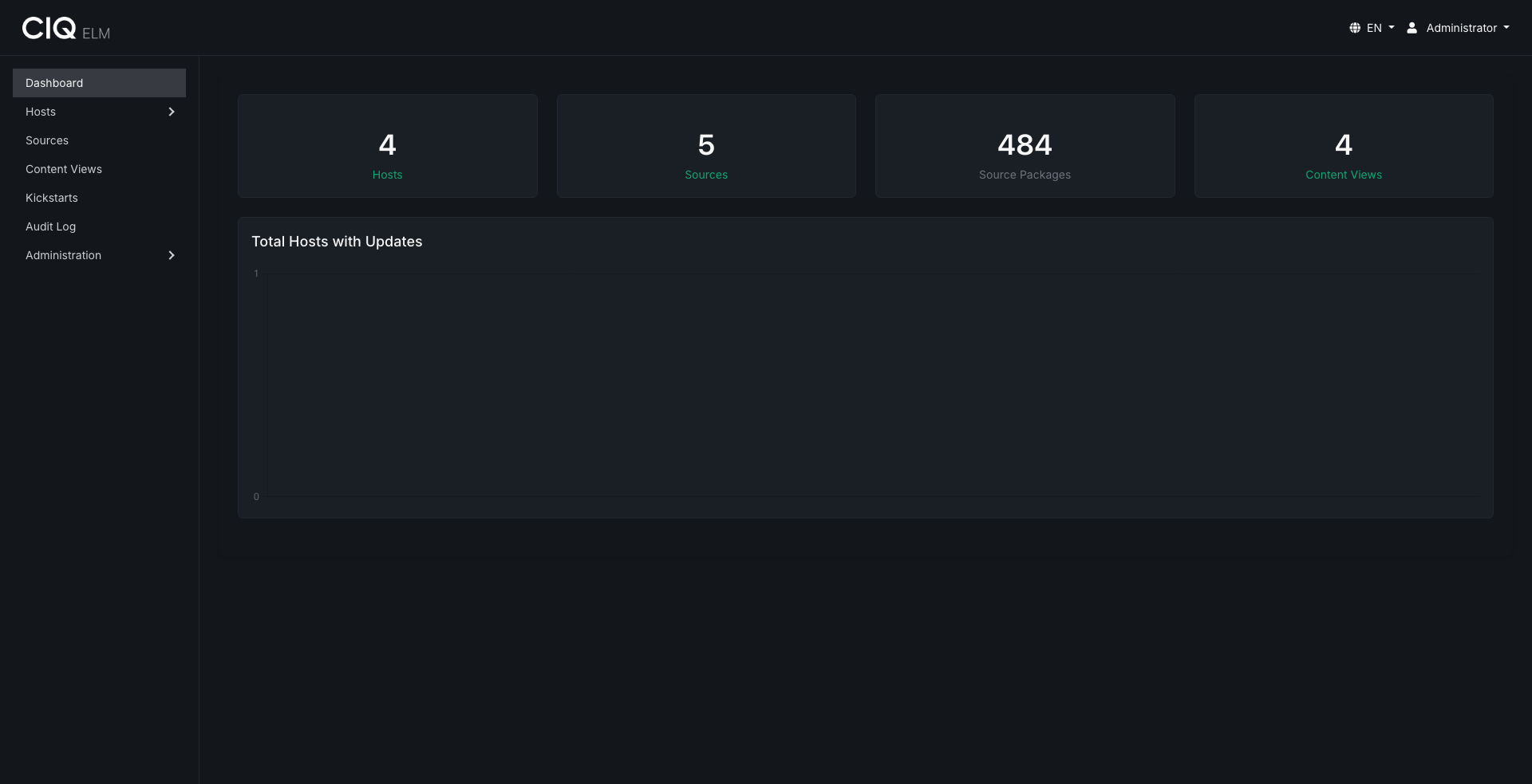
CIQ Enterprise Linux Manager (ELM) manages the content and provisioning lifecycle of Enterprise Linux hosts. It mirrors package repositories, composes curated and versioned content views, provisions machines over the network with iPXE and kickstarts, and keeps registered hosts pointed at the right content through a lightweight on-host agent.
What ELM does
- Sources - mirror upstream repositories from a remote HTTP(S) URL, an rsync mirror, an uploaded ISO, or the CIQ Depot catalog.
- Content views - compose curated repositories from a source, with package pin and exclude rules, custom RPM uploads, versioned snapshots, rollback, dependency checking, and optional metadata signing.
- Hosts and groups - register machines through the agent, inspect installed and available packages, and organize machines into nested groups with assigned content and kickstarts.
- Provisioning - install machines over the network with iPXE, DHCP, TFTP, and templated kickstarts backed by a credentials vault.
- Access control - local, LDAP, and SAML 2.0 authentication with team-based, granular permissions and an audit log.
- Integrations - browse the CIQ Depot catalog, launch Ascender automation against selected hosts, and store Ascender Ledger connection settings.
- Automation - a browsable REST API at
/api/v1/and an optional, read-only MCP server.
ELM manages RPM-based distributions that use dnf/yum repositories. The web interface is localized in 11 languages.
How content flows
Content moves through ELM in one direction:
- Sources bring packages into ELM from upstream repositories, ISOs, or CIQ Depot.
- Content views curate and version those packages into published repositories, served at
/repos/<uuid>/. - Hosts consume published repositories at install time through provisioning and kickstarts, and continuously through the agent.
Getting started
CIQ ELM is included with enterprise licenses for RLC Pro, RLC Pro AI, and RLC Pro Hardened purchased through CIQ Portal. Customers who purchased through a cloud provider should contact CIQ Support about ELM access.
- Installation - deploy the ELM server RPM with Podman and systemd.
- Getting started - first login and the end-to-end workflow.
- Admin guides - sources, content views, hosts, provisioning, authentication, and the API.
Support
Support for CIQ ELM is available through your CIQ support channels. See the FAQs for common operational questions.