Users, teams, and permissions
ELM uses a granular permission model. Users are granted permissions directly or through teams, and system administrators bypass all checks.
Users
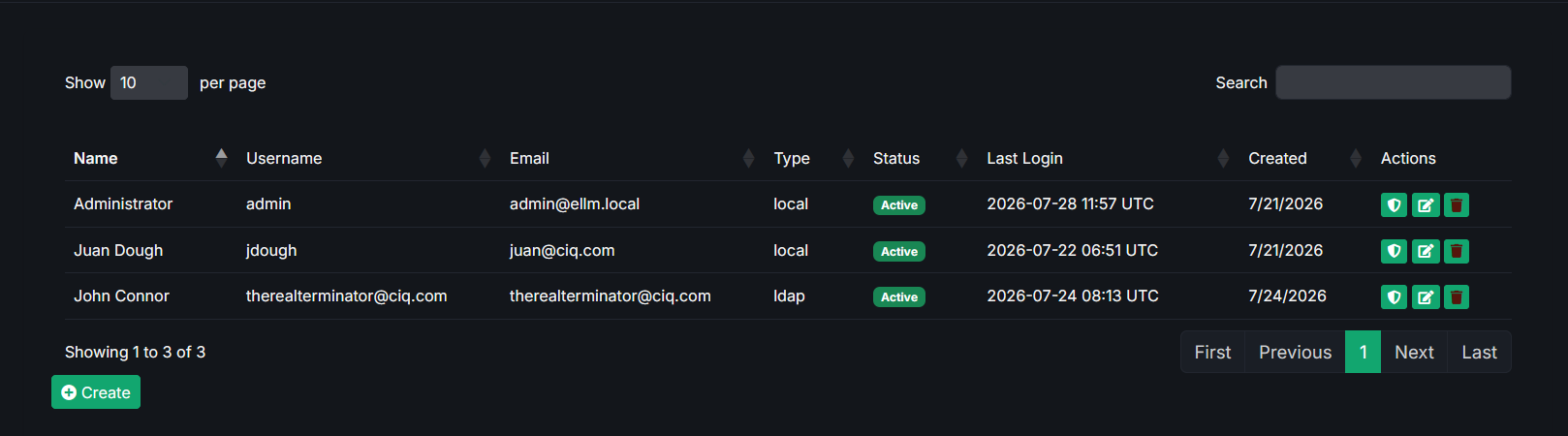
Each user has:
- A username and email.
- A type:
local(password stored in ELM),ldap, orsaml(managed by your directory - see Authentication). - An active flag and last login time.
- System admin status (grants all permissions), or a set of granted permissions and team memberships.
Administrators can create, edit, and deactivate local users, assign permissions, and add users to teams.
Teams
Teams group users so permissions can be granted in bulk.
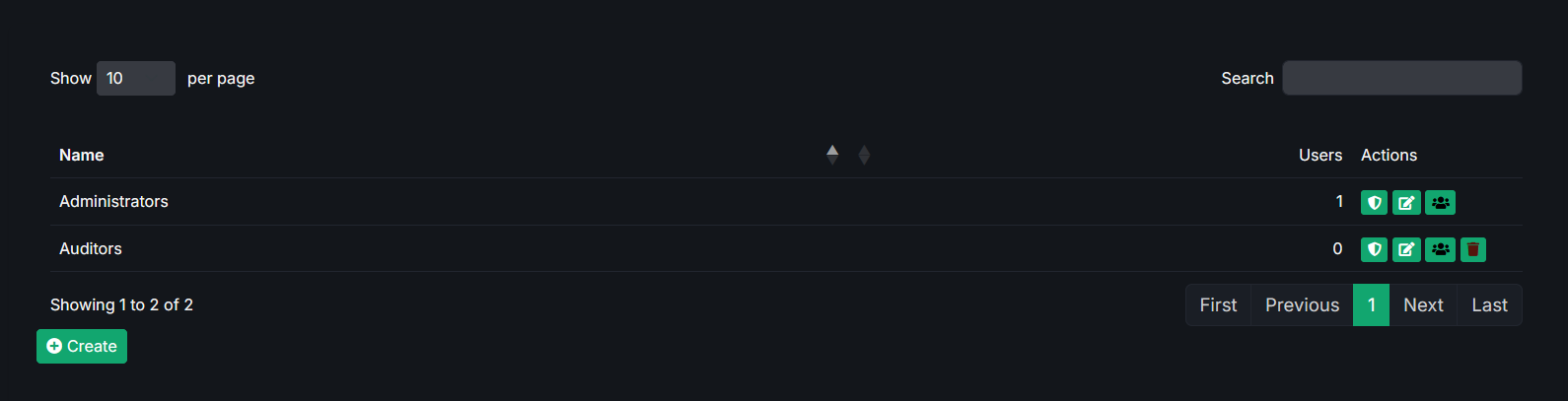
Each team can:
- Contain any number of users.
- Be granted a set of permissions that all members inherit.
- Be mapped to an LDAP group and/or a SAML group - users who belong to that directory group are automatically added to the team when they sign in.
Permissions
Permissions are predefined and grouped by feature area:
| Permission | Grants |
|---|---|
sources.view | View sources. |
sources.manage | Create, edit, sync, and delete sources. |
content_views.view | View content views. |
content_views.manage | Create, edit, compose, and roll back content views. |
hosts.view | View hosts and host groups. |
hosts.manage | Manage hosts, groups, and provisioning. |
kickstarts.view | View kickstarts. |
kickstarts.manage | Manage kickstarts and credentials. |
A user's effective permissions are the union of their direct grants and the grants of every team they belong to.
System administrators bypass these checks and can access everything. Administration areas - Settings, Users, Teams, and the Audit log - are available to system administrators only.
Audit log
The audit log (administrators only) records data-modifying actions across ELM so you can see who changed what and when.
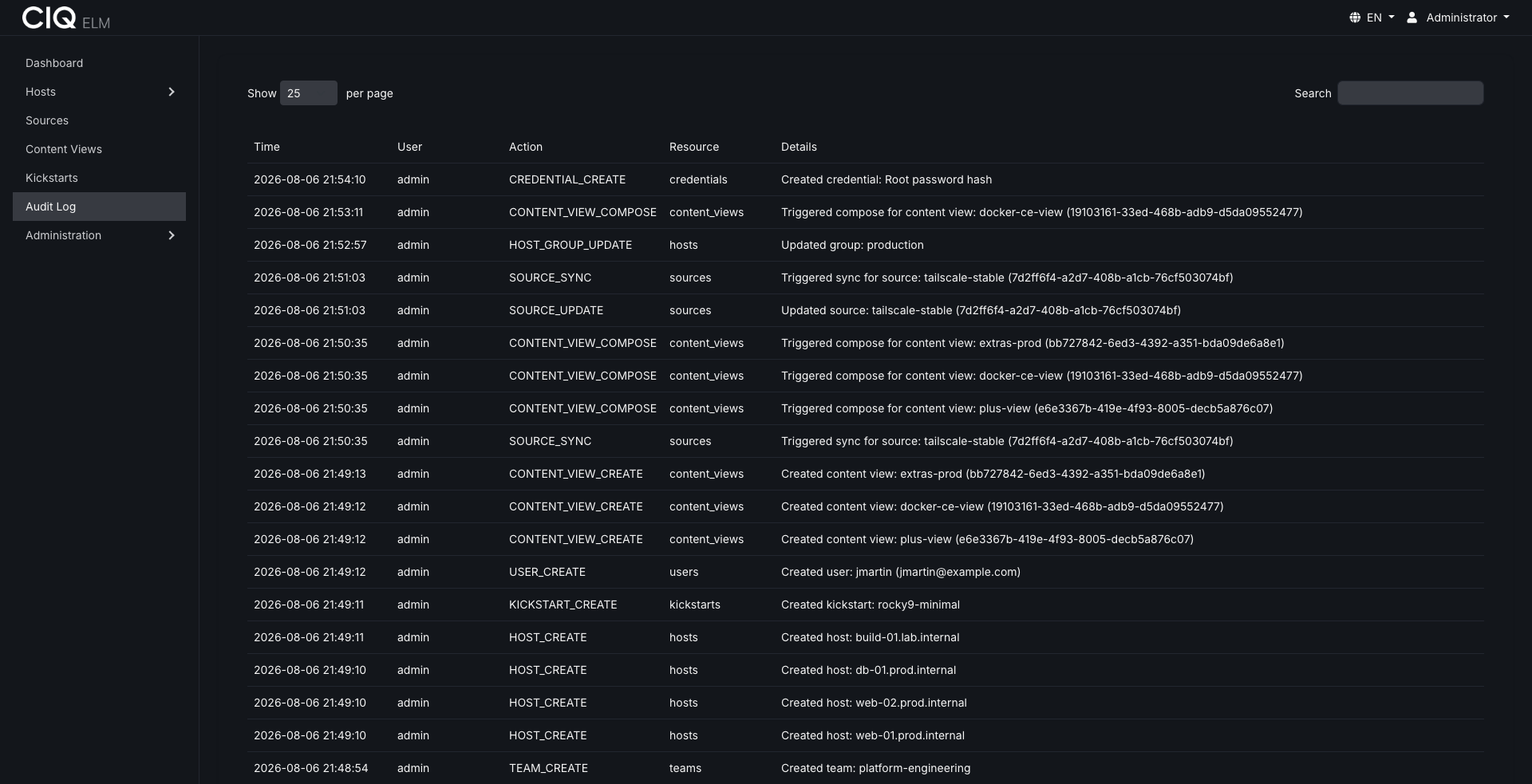
Logged actions include, among others:
- Creating, updating, and deleting users and teams.
- Syncing sources and composing content views.
- Uploading packages.
- Flagging hosts for provisioning and assigning content.
- Syncing the Depot catalog and launching Ascender jobs.
- Changing settings.
Each entry records the timestamp, the acting user, the action, the affected resource, and any relevant details. The log is paginated for browsing large histories.
Related
- Configure directory-based sign-in and group mapping in Authentication.