Hosts and groups
Hosts are the managed machines that consume content from ELM. Host groups organize hosts into a hierarchy and assign content and kickstarts in bulk. The agent registers a machine, reports its package inventory, and keeps its package manager configured.
Hosts
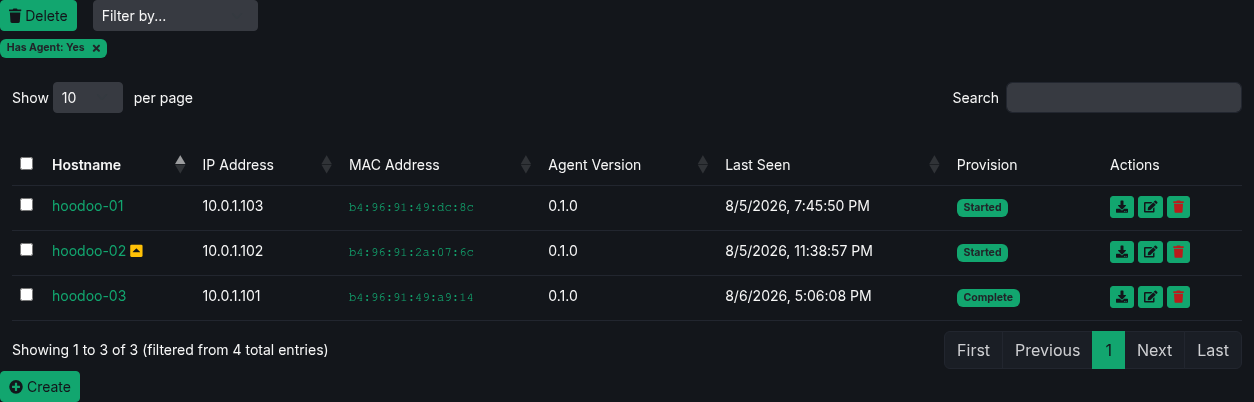
Use Filter by to narrow the Hosts list by Group, Content View, Updates Available, Has Agent, or Provision status. You can combine one value from each category. Active filters appear below the selector; remove a filter to show the matching hosts again.
Each host record tracks:
- Hostname, IP address, and MAC address.
- Agent version and last check-in time.
- Assigned groups and inherited content views.
- Provisioning status.
- Whether an assigned content view offers an update for an installed package.
Hosts appear automatically the first time the agent checks in. The agent uses a stable installation ID so a machine maps to the same record across reboots and address changes.
You can also create a host before installing its operating system by entering its MAC address. When an agent later checks in from that machine, ELM adopts the existing record.
Package inventory and update preview
The agent reports the installed RPM set on its first run, after a restart, and whenever the RPM database changes.
Select a host name to inspect:
- Current Packages lists the RPMs reported by that host.
- Content View Packages lists packages offered by its assigned content views, including the view name and priority. A package from a lower-priority repository is marked superseded when another assigned view offers the same name at a higher priority.
- Preview Update compares the installed set with the effective assigned content and shows packages that would be added or removed.
The Hosts list marks machines with available updates. The dashboard records an hourly count of hosts needing updates and retains 31 days of history.
Flagging a host for provisioning
From a host's actions, request a one-shot provision keyed by its MAC address. ELM enables the action only when the host belongs to a group with a kickstart and a ready, bootable content view. See Provisioning.
Host groups
Groups can contain both hosts and child groups.
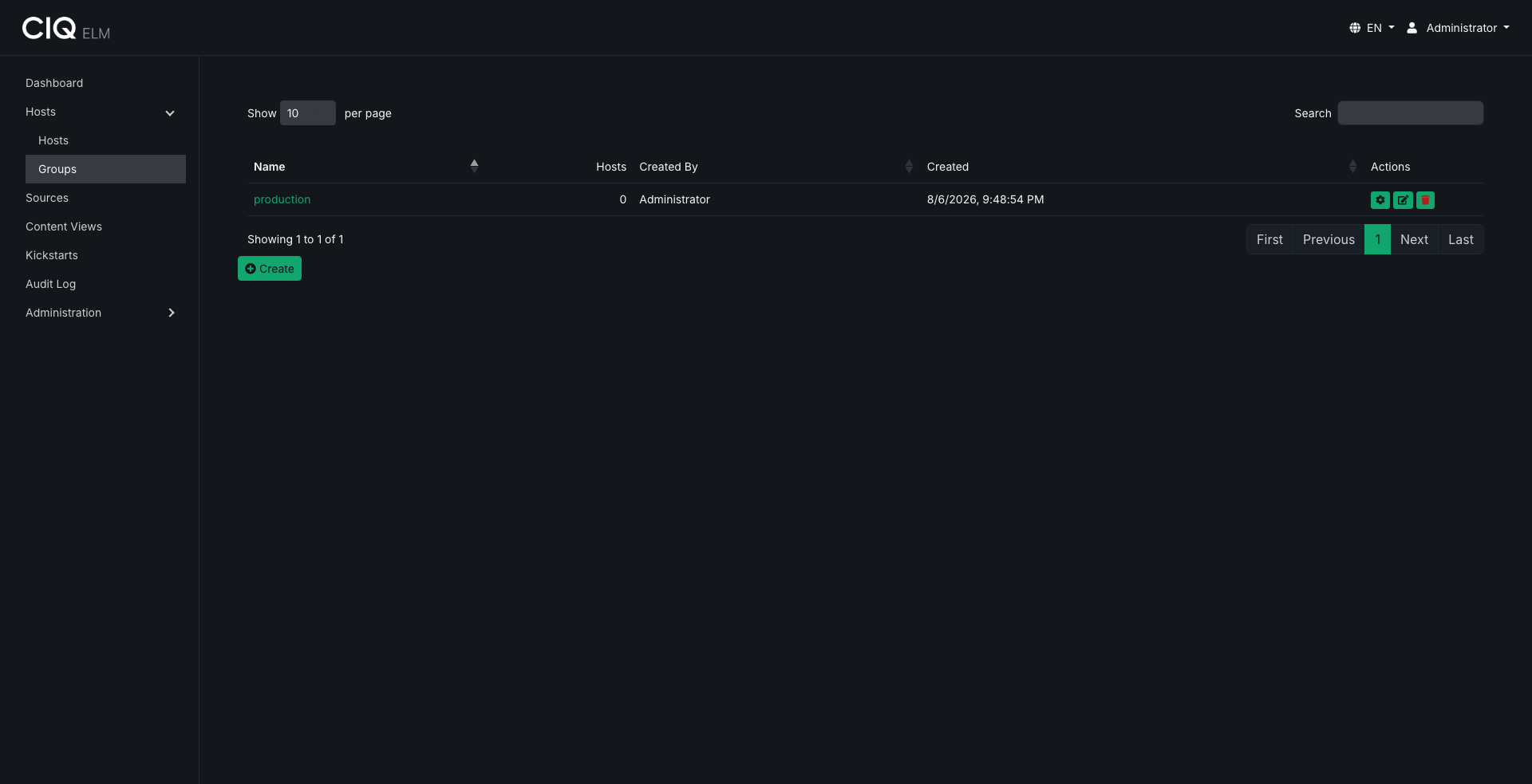
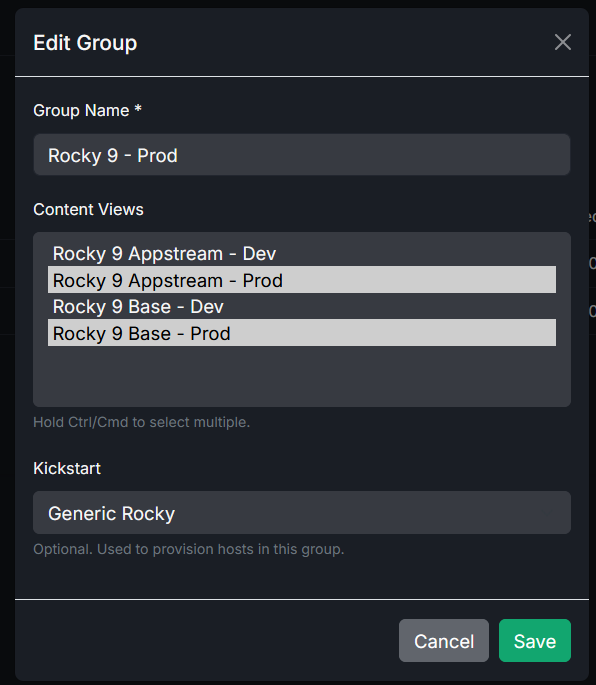
- Assign multiple content views to a group.
- Assign the kickstart used to provision machines in that group.
- Child groups inherit content views and kickstarts from their ancestors.
The agent receives the distinct set of ready content views inherited through all of the host's groups. Repository priority is configured on each content view, from 1 to 99, and lower values win.
Install the agent
ELM serves an installer script and the agent RPM repository. Download and inspect the script before running it:
curl -fsSLo /tmp/install-elm-agent.sh http://<elm-server>:8080/agent/install.sh
less /tmp/install-elm-agent.sh
sudo sh /tmp/install-elm-agent.sh
The agent installs as /usr/bin/elm, runs as a service, and reads /etc/elm.conf. Run one immediate check-in for testing:
sudo elm -once
Set the canonical ELM address under Settings → General → Base URL. Agents adopt it on their next check-in, which is useful when moving from HTTP to HTTPS.
Managed repositories
The agent writes assigned content views to /etc/yum.repos.d/elm.repo. Each entry includes the view's priority and, when required:
- The managed HTTP Basic credential for a Secure view.
repo_gpgcheck=1and the publishedgpgkey-elmpublic key for a signed view.
RPM package signature checking remains gpgcheck=0; signing verifies repository metadata. ELM also configures the agent's own update repository.
The agent disables foreign repositories only after the host has at least one assigned content view.
Related
- Install or rebuild machines with Provisioning.
- Publish repositories with Content views.
- Run automation against selected hosts through the Ascender integration.