Retrieving Job Logs
You can retrieve logs from jobs within a workflow. These can be retrieved after the job has completed, or can be streamed (i.e. "followed") in real time as the job runs.
Please select either the web UI or CLI tab to see the appropriate instructions for your environment.
To retrieve logs from a job within a workflow, select the appropriate workflow from the Workflows tab, select the appropriate job within the workflow, and click the "Logs" option on the right.
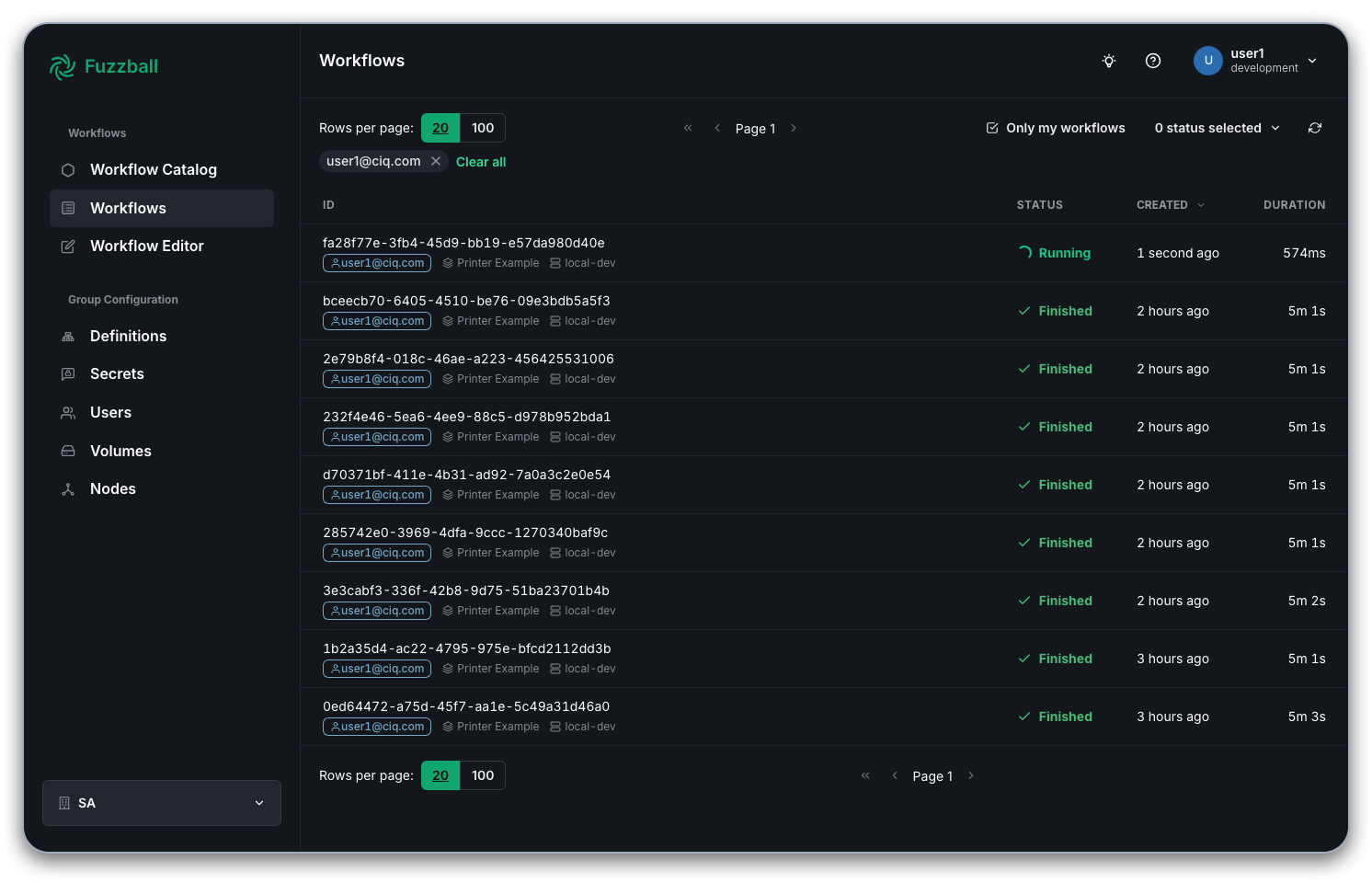
After selecting a workflow and clicking on a job, you can view its logs:
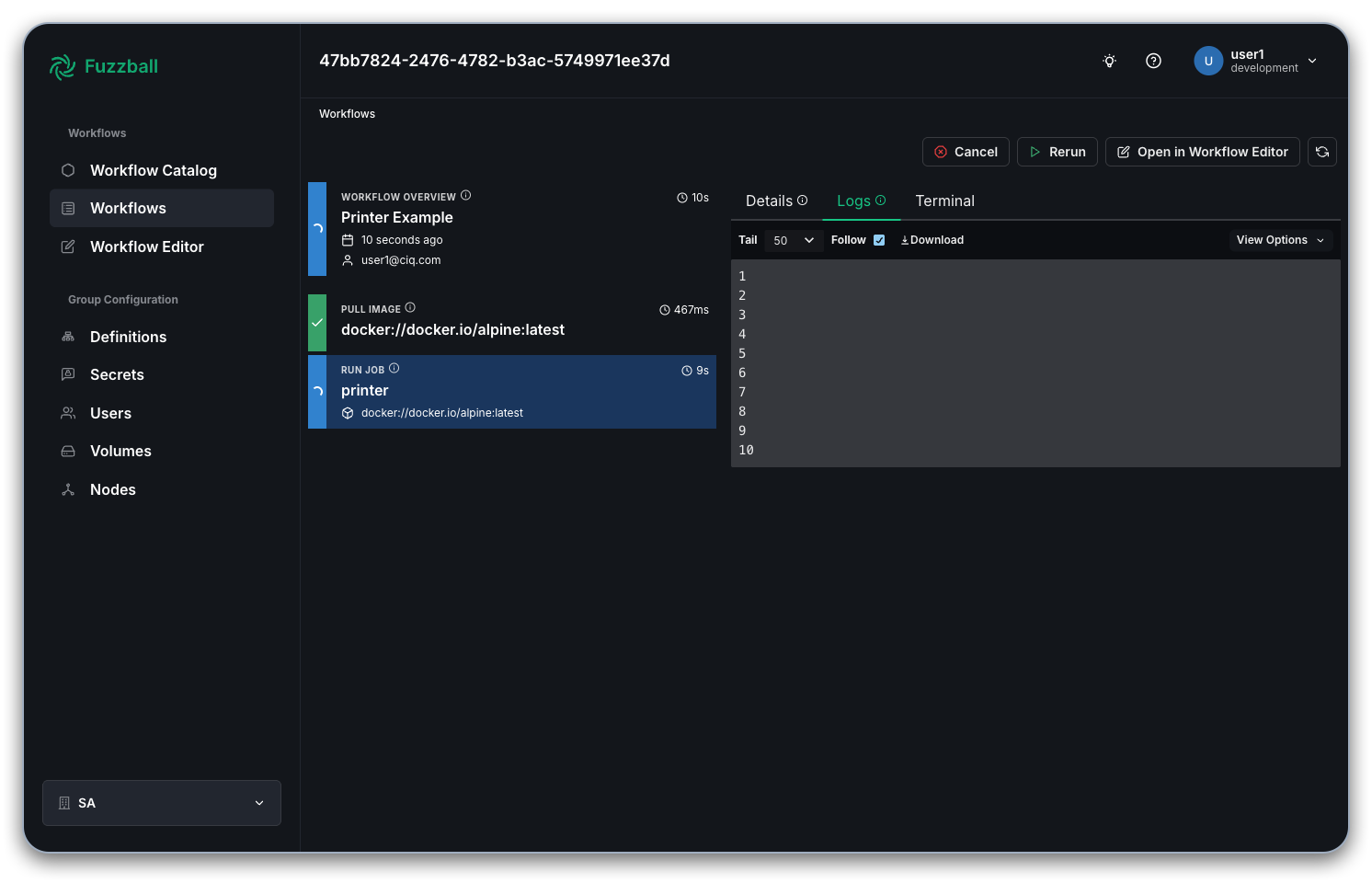
You can use the "Tail" drop down menu to show the last "50" or "100" lines or simply display "All" logs. If the job is still running, the "Follow" option will cause logs to stream to the dashboard in real time. The "View Options" dropdown menu is useful for controlling the way that logs are displayed in the web UI.
To obtain logs from a job within a workflow using the CLI, it is necessary to specify both the workflow UUID and the job name. Let's suppose that you want to obtain the last 10 lines of logs from the last workflow that you ran, but you don't know the UUID and can't remember the name of the job. You can obtain the relevant information like so:
$ fuzzball workflow list --tail 1
ID                                   | NAME                      | EMAIL           | STATUS   | STARTTIME             | ENDTIME
d2a494f5-52ef-4462-a5ac-e4dc8331f6b6 | MyDescriptiveWorkflowName | dgodlove@ciq.co | Finished | 2024-05-14 04:00:59PM | 2024-05-14 04:06:34PM

$ fuzzball workflow describe d2a494f5-52ef-4462-a5ac-e4dc8331f6b6
Name:      MyDescriptiveWorkflowName
Email:     dgodlove@ciq.co
UserId:    74a78835-1601-4364-a85c-0eee707b8017
Status:    STAGE_STATUS_FINISHED
Created:   2024-05-14 04:00:58PM
Started:   2024-05-14 04:00:59PM
Finished:  2024-05-14 04:06:34PM
Error:


KIND     | STATUS   | NAME                                 | DURATION
Workflow | Finished | d2a494f5-52ef-4462-a5ac-e4dc8331f6b6 | 5m36s
Image    | Finished | docker://alpine:latest               | 18s
Job      | Finished | printer                              | 5m2s
$ fuzzball workflow log d2a494f5-52ef-4462-a5ac-e4dc8331f6b6 printer -n 10
291
292
293
294
295
296
297
298
299
300
The -f option will allow you to follow logs (i.e. stream them to your terminal in real time) if
the job is running.