Using the web interface
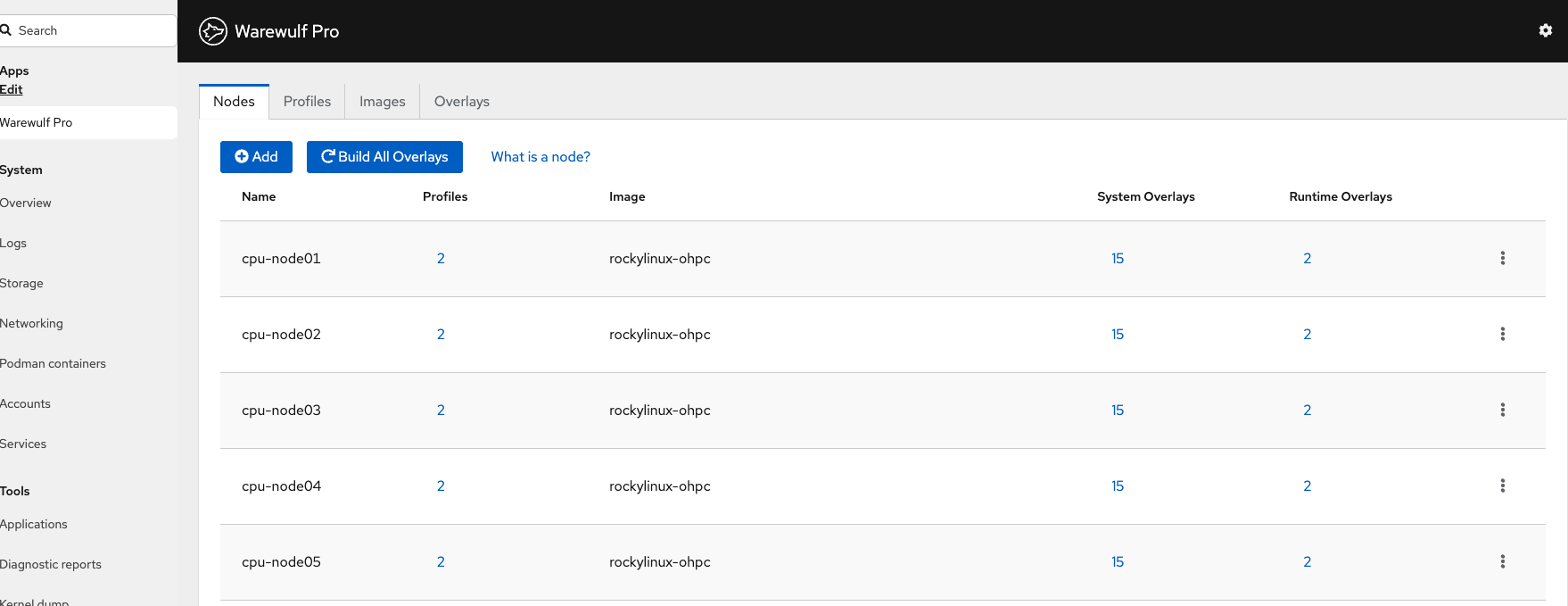
Once the web interface is installed and configured, open https://<your-server>:9090/warewulf and select Warewulf in the Cockpit sidebar. Warewulf loads as a module inside Cockpit and lands on the Nodes tab.
What you can do in the UI
-
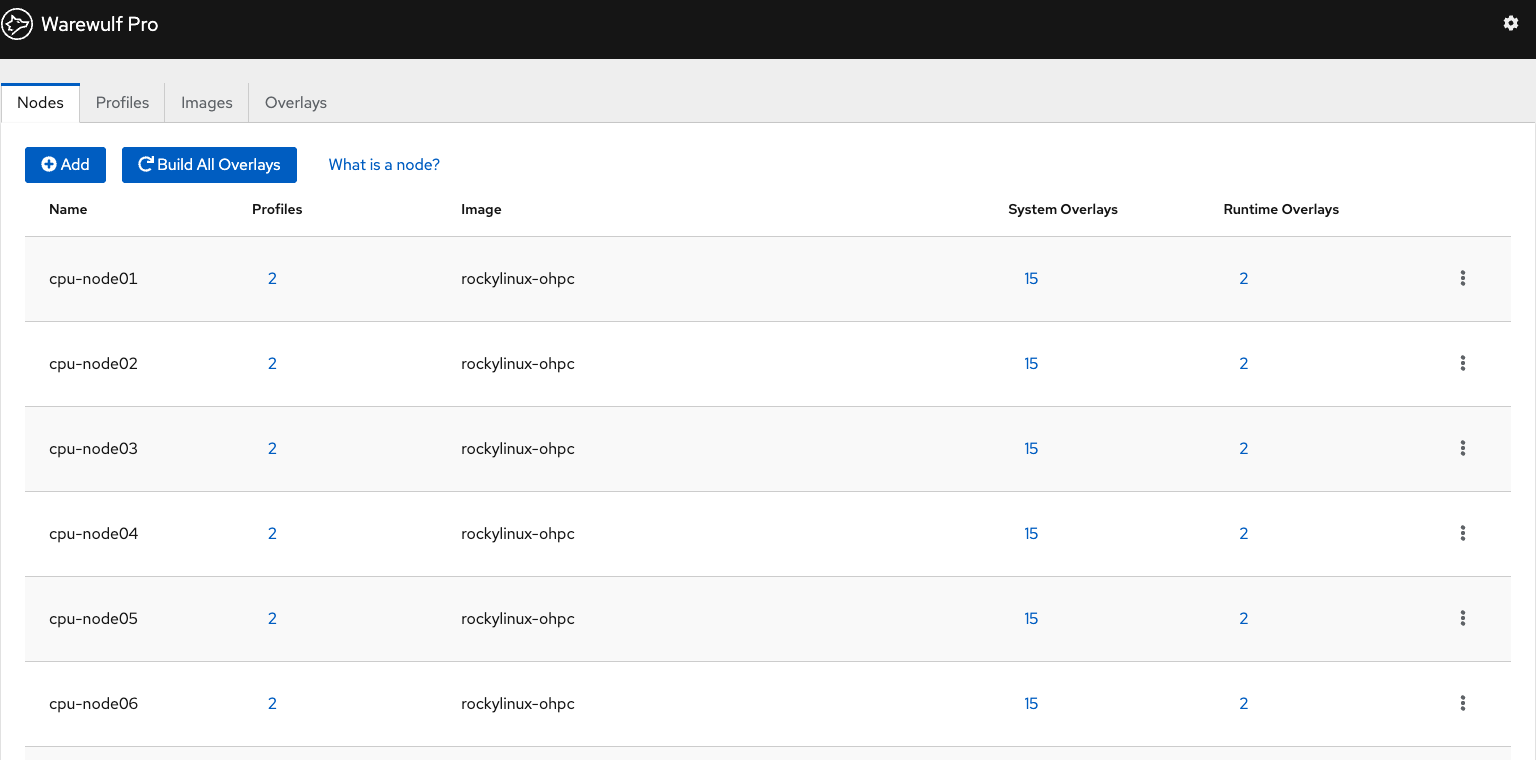
Nodes - add, edit, delete; assign profiles; configure network interfaces; set IPMI credentials.
-
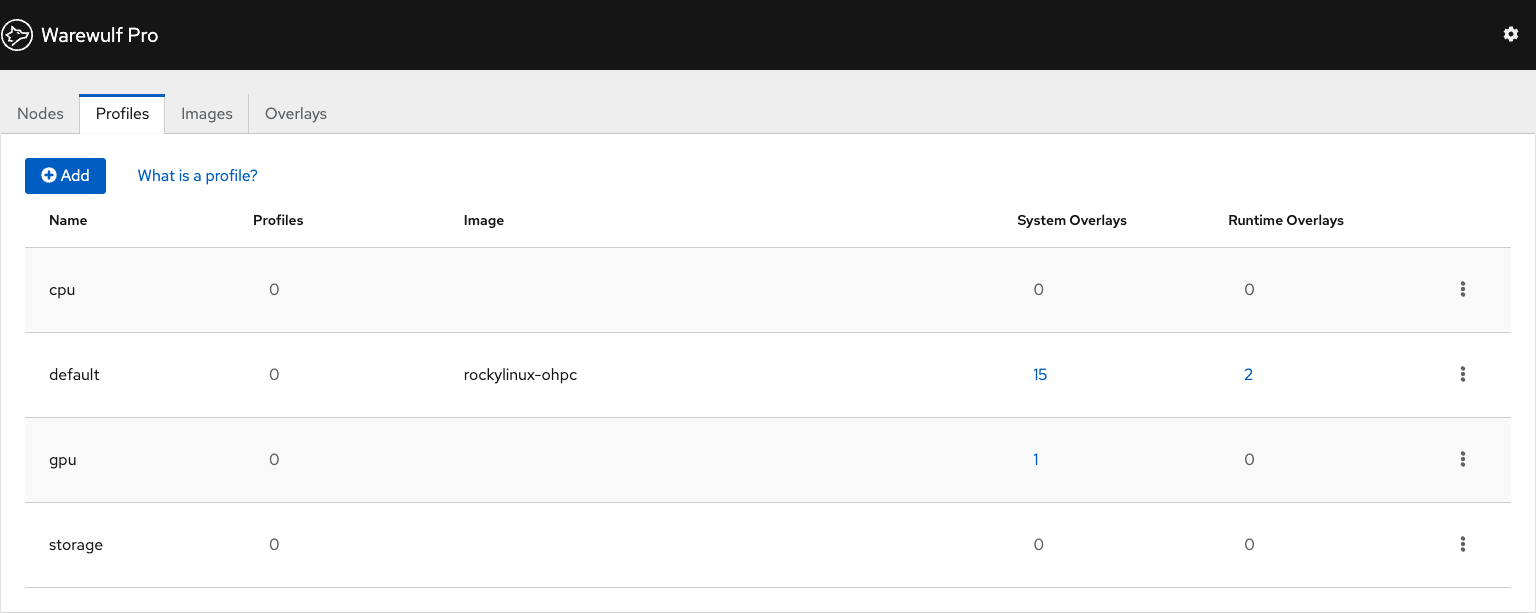
Profiles - create, edit, delete; assign images and overlays; set tags.
-
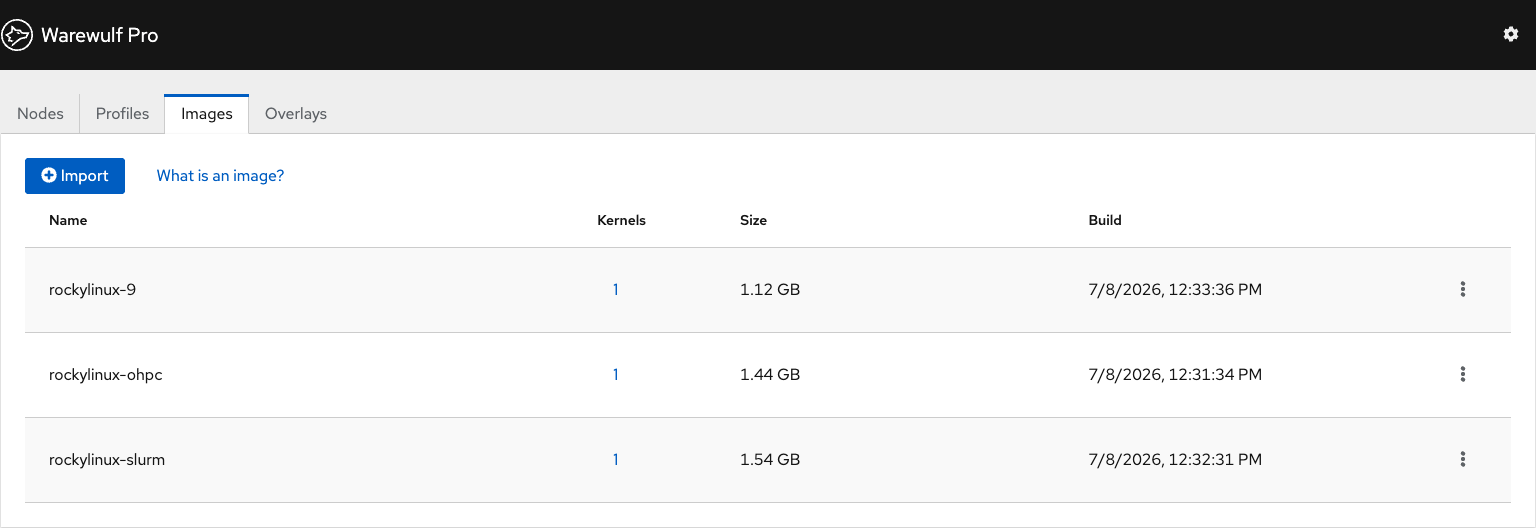
Images - import from OCI registries, build, delete, view status; shell access is CLI-only.
-
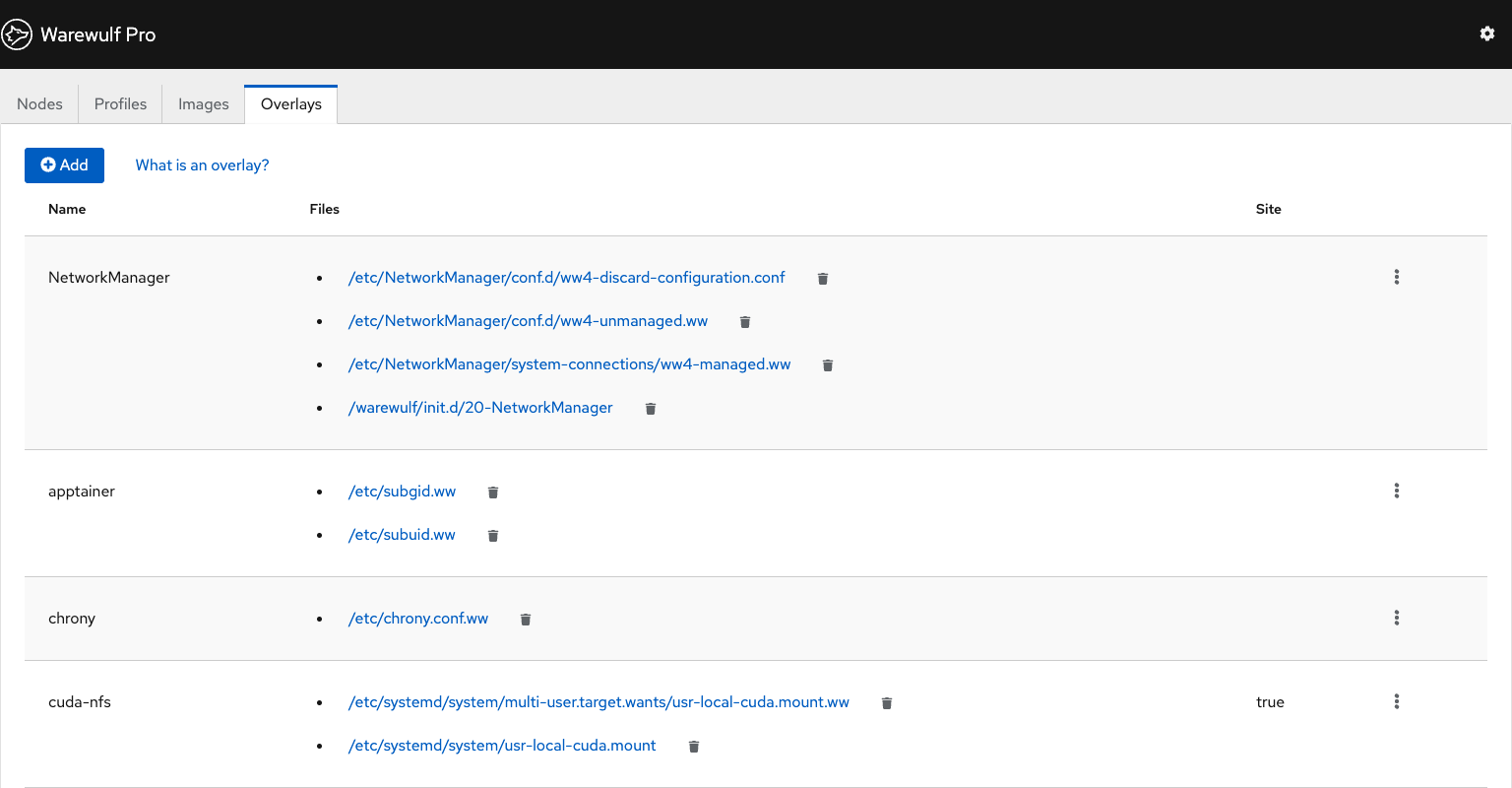
Overlays - list site and distribution overlays; view templates; assign overlays to nodes and profiles; build.
-
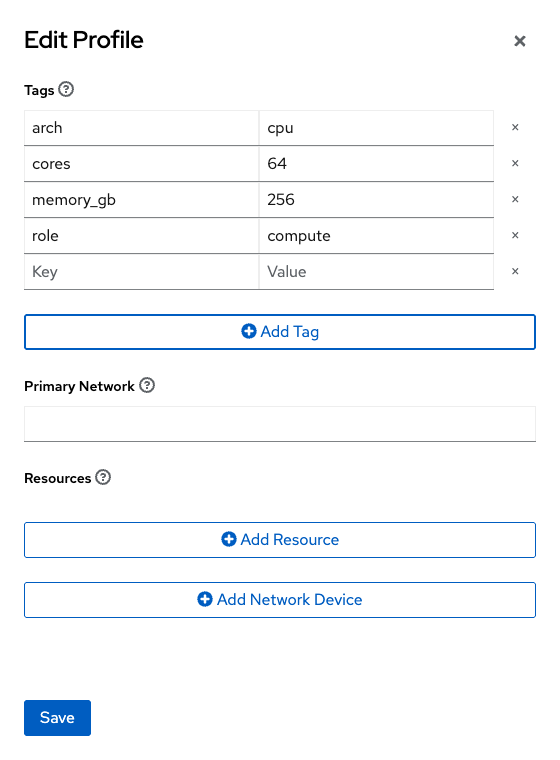
Tags and resources - add and remove tags and resources on nodes and profiles.
-
Power - when IPMI is configured, power nodes on/off/cycle and view sensors.